Keep a visual anchor
Use an existing portrait, product, illustration, or layout to define the starting visual facts.
Transform an image while keeping the details that matter
Upload up to five reference images and create a new result guided by their subject, product, composition, palette, or style. Explain what should change and what must remain consistent, then choose the output controls and cost.
Built-in generator
Upload at least one image you own or have permission to use. Add a precise transformation brief, choose a model and output size, and generate a new composition.
Assign every reference a clear role and separate the details to preserve from the changes you want the model to make. The exact credit cost is shown before every generation, and failed jobs automatically restore credits.
Example results
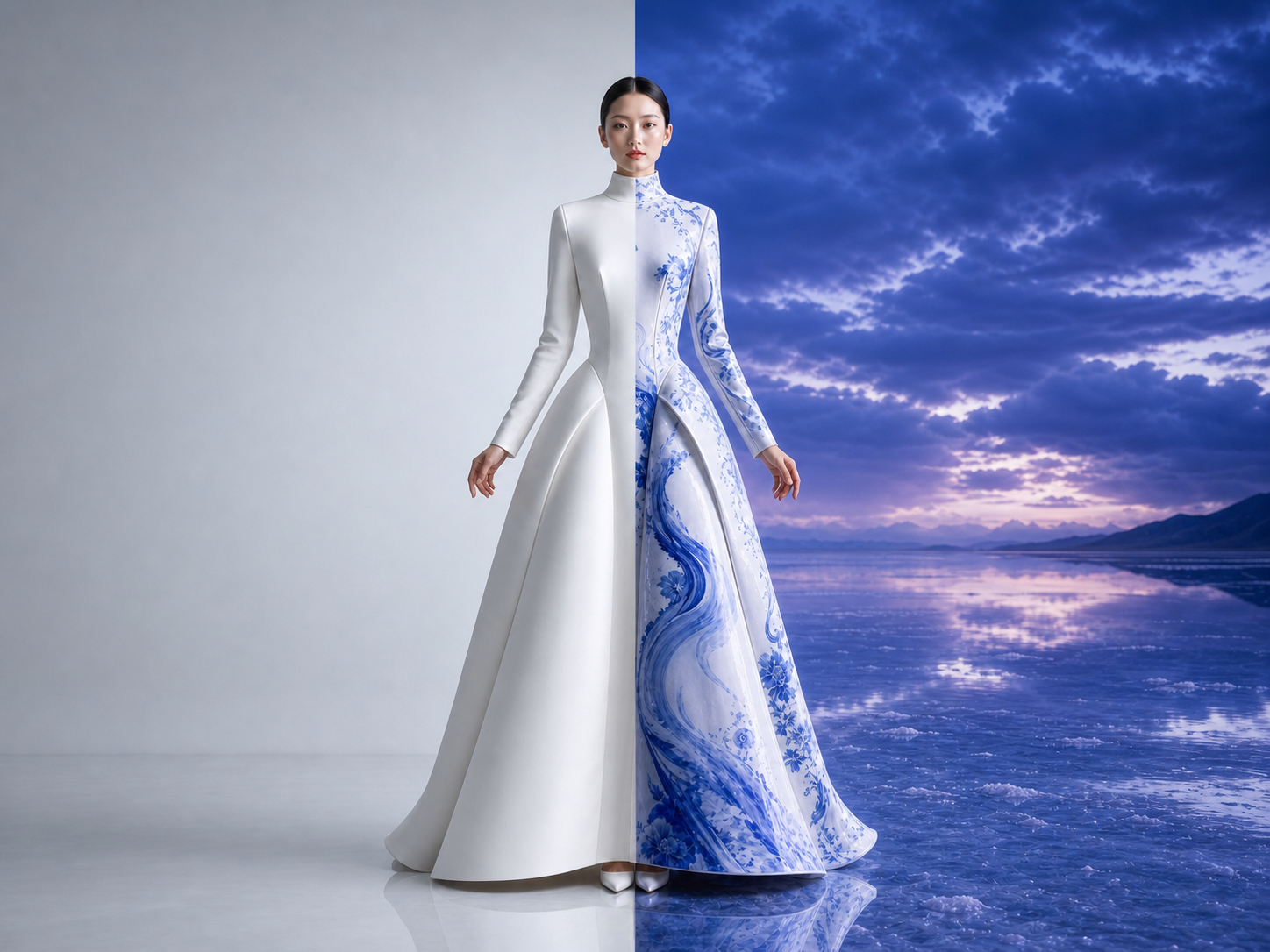
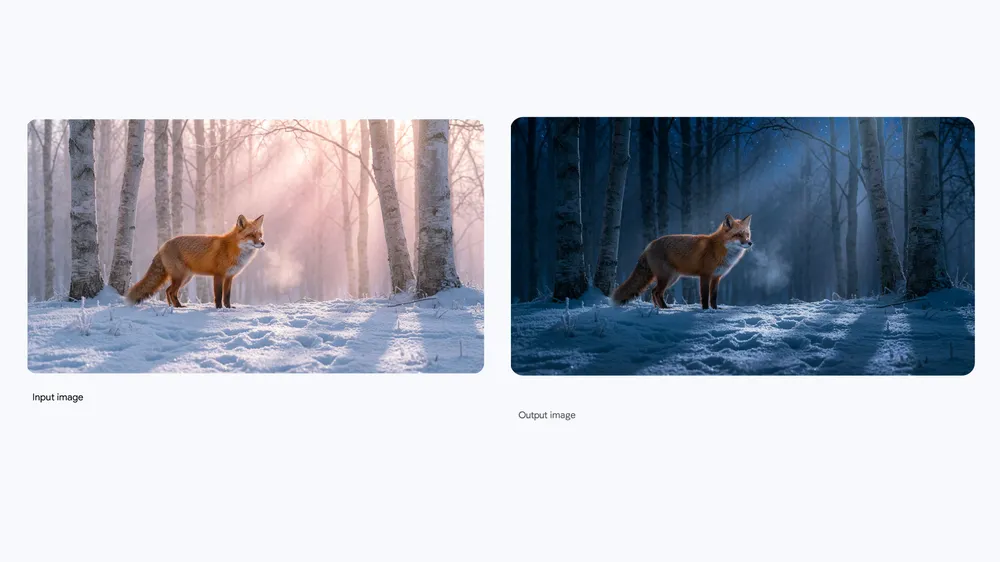
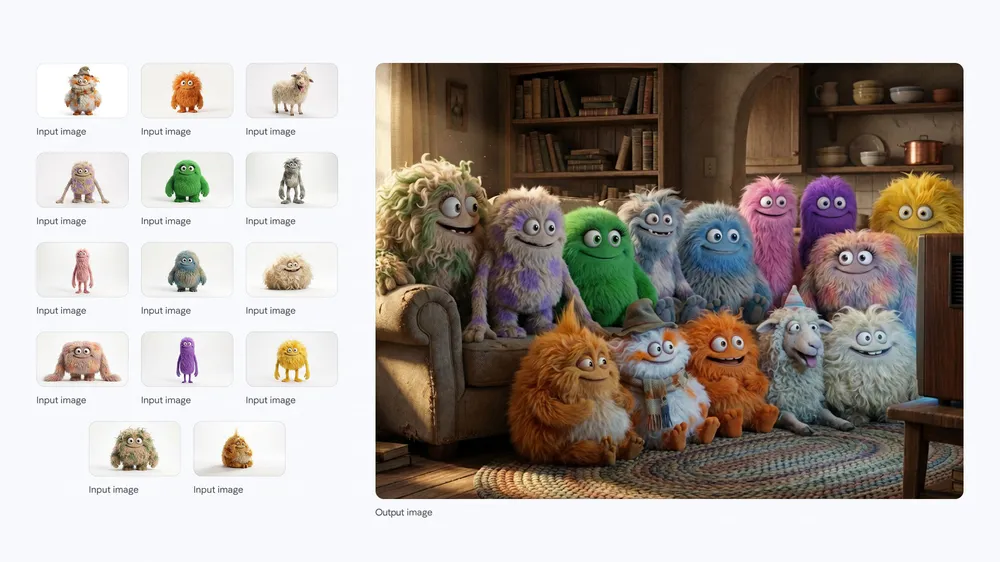
Why use Image to Image
Use an existing portrait, product, illustration, or layout to define the starting visual facts.
Guide identity, products, composition, palette, environment, or style with a focused reference set.
Protect important faces, logos, geometry, materials, wardrobe, layout, or brand details in writing.
How it works
Choose clear, compatible files that you own or have permission to use. Add only references with a defined purpose.
Explain what each reference controls, what should change, and which identity, product, or layout details must remain stable.
Select the model, aspect ratio, resolution, and quality, then review the exact credit cost before submission.
Frequently asked questions
An image to image generator creates a new visual using one or more source images as guidance. The references can direct identity, product shape, composition, palette, lighting, environment, or style.
The current Scenyra image workspace accepts up to five reference images. Use only the files needed to communicate distinct, compatible visual information.
Clear reference files and explicit preservation instructions can improve consistency, but generative results still require review. State exactly which identity, geometry, logo, material, or layout details must remain unchanged.
Yes. You must own the uploaded images or have permission to use and transform them, and the request must comply with the Scenyra Acceptable Use Policy.
Create with Scenyra
Bring a reference image, describe what should change and what should remain, then create a new result with clear output controls.