Begin with a blank canvas
Generate a new composition without preparing photography, illustrations, or reference files first.
Turn a written idea into a finished image
Create original images from text with GPT Image 2, Nano Banana Pro, and Nano Banana 2. Describe the subject, composition, lighting, style, and text you need, then choose the output size and review the exact credit cost.
Built-in generator
Start without a source image. Select an image model, write the visual brief, and choose the aspect ratio, resolution, and available quality level.
Start with the subject and purpose, then add composition, environment, lighting, materials, style, and any exact text. The exact credit cost is shown before every generation, and failed jobs automatically restore credits.
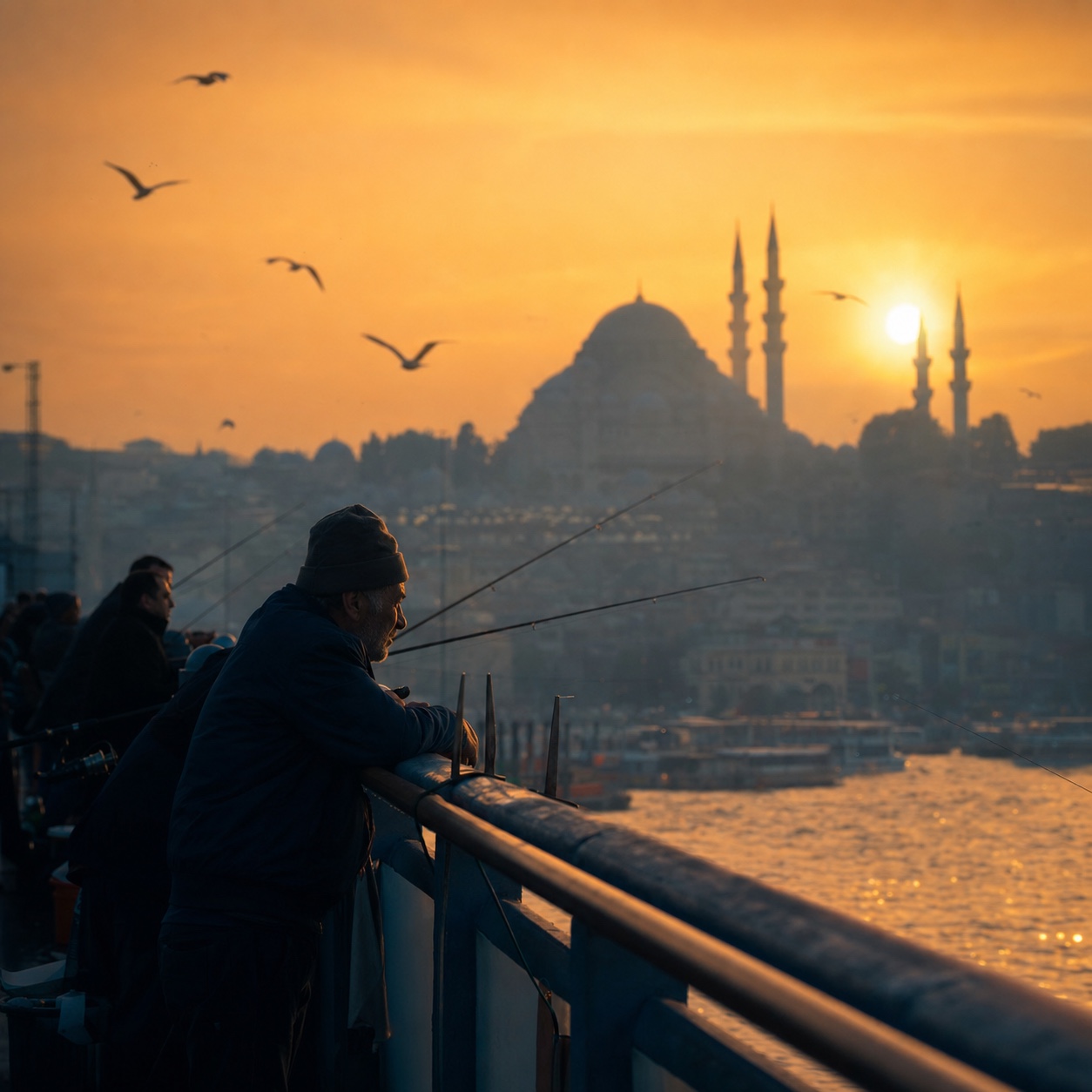
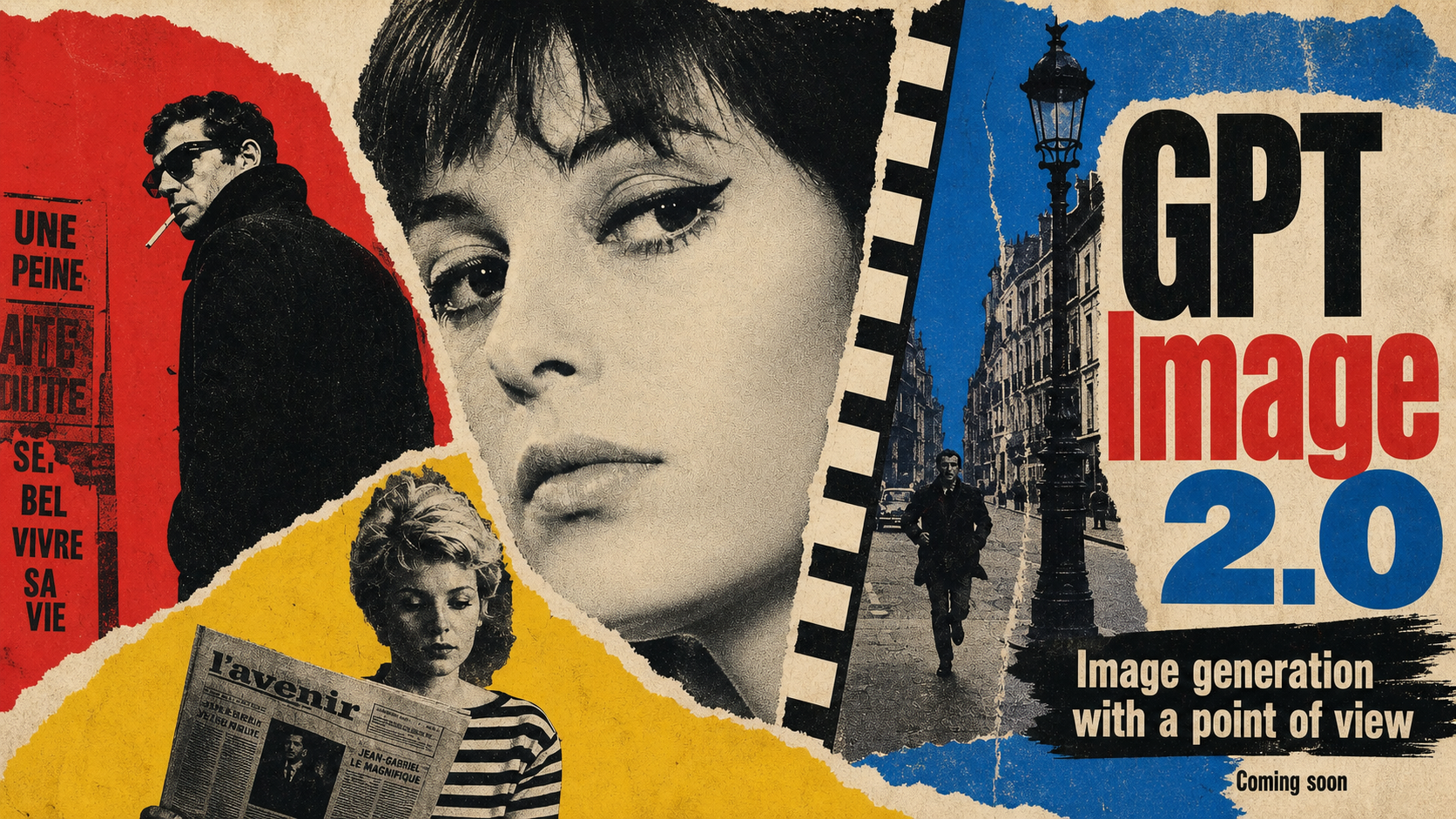
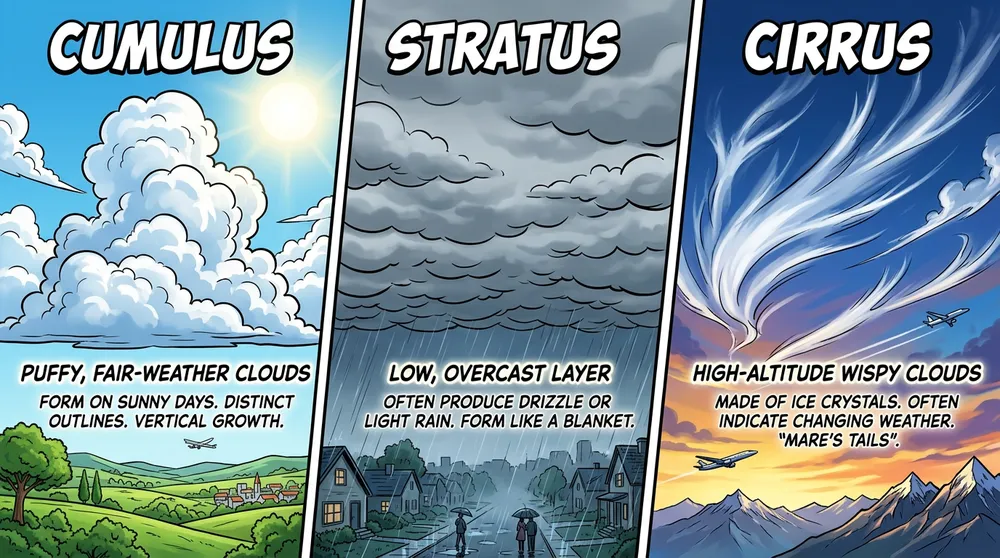
Example results
Why use Text to Image
Generate a new composition without preparing photography, illustrations, or reference files first.
Switch between fast exploration, detailed art direction, typography, and selectable quality levels.
Choose supported aspect ratios and resolutions up to 4K before submitting the generation.
How it works
Name the subject, intended use, composition, setting, lighting, materials, visual style, and exact text where needed.
Select the image model, aspect ratio, resolution, and available quality level that fit the brief.
Review the displayed credit cost, create the image, then reuse the prompt or result for another iteration.
Frequently asked questions
A text to image AI generator creates a new visual from written instructions. The prompt can direct the subject, composition, setting, lighting, materials, style, typography, and intended format.
Scenyra currently offers Nano Banana 2, Nano Banana Pro, and GPT Image 2. Their supported controls and current credit costs are listed on the Models page.
Cost depends on the selected model, resolution, and quality level. Scenyra displays the exact credit cost before you generate, and failed jobs automatically restore their credits.
Use Image to Image when an existing image should guide identity, product shape, layout, colors, or composition. Text to Image is better when you want to begin without a visual source.
Create with Scenyra
Start with a written prompt, choose the image model that fits your brief, and see the exact credit cost before you generate.